
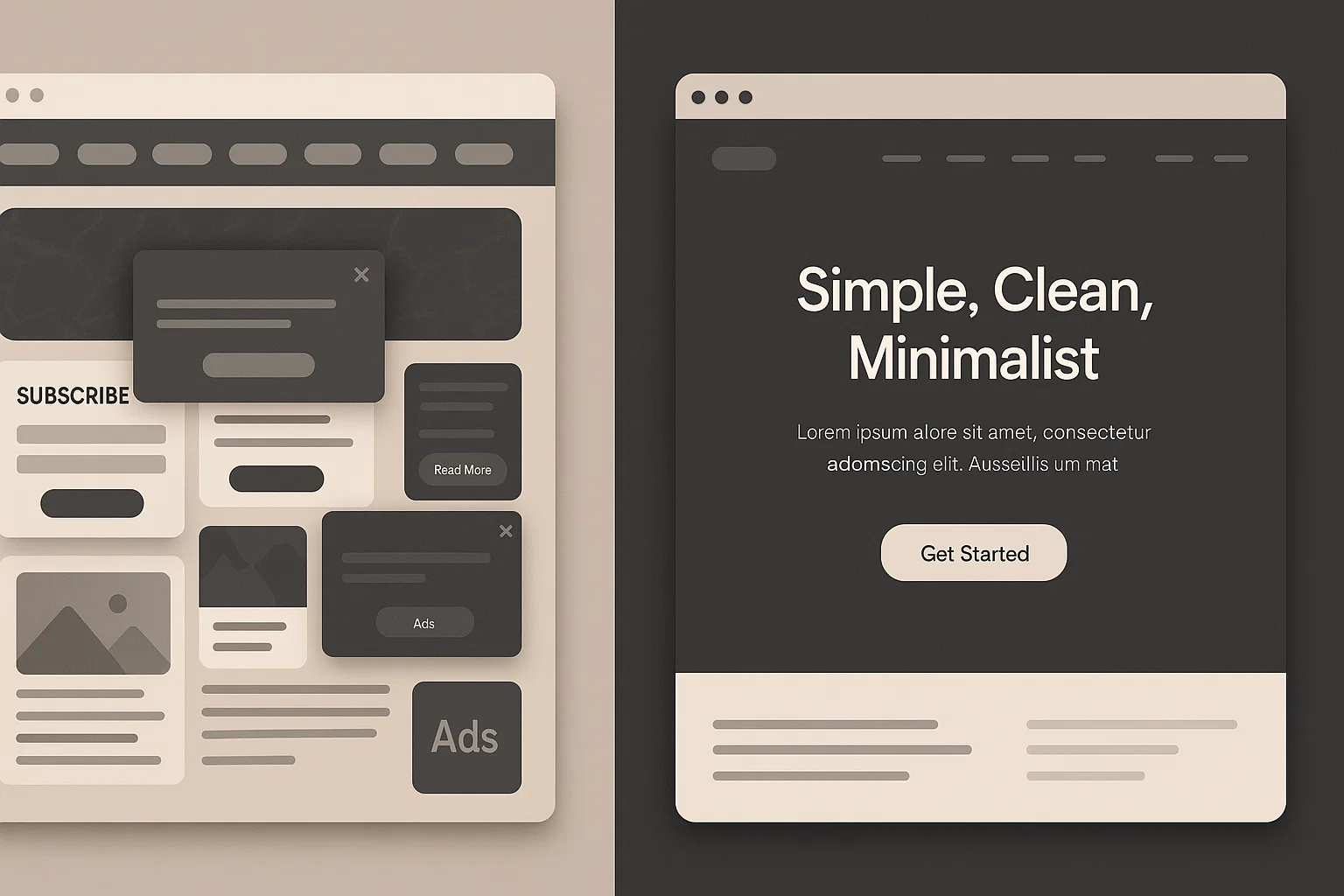
Most websites fail before visitors even scroll. It is not because of weak design or lack of effort. Instead, it is because of small overlooked details in the user experience that silently push people away.
When someone lands on your site, they arrive with curiosity. In the first few seconds, their mind decides whether to stay or leave. If navigation feels heavy, if content feels cramped, or if visuals distract instead of guiding, their decision is already made.
The truth is that user experience (UX) is not only about clean layouts or nice colors. It is about understanding how a human brain reacts under pressure, how quickly someone needs clarity, and how easily they can trust what they see.
At SiloX, we often remind clients that success online begins before the scroll. It starts with the way you respect your visitor’s attention, anticipate their needs, and make them feel safe and curious enough to keep exploring.
Your website is not just a digital brochure. It is a living space where decisions are made. If your first impression is not built for humans, the rest of the page may never even get a chance.
Why “Before the Scroll” Matters
When a visitor arrives on your site, they are not reading. They are scanning. Their brain runs a quick checklist: Is this relevant? Is this trustworthy? Can I find what I need right now?
If the answers are not clear within seconds, most people leave.
This moment is not about pretty visuals or trendy fonts. It is about reducing cognitive load and respecting attention. The smallest details, such as a vague headline or an autoplay video, often decide whether someone stays or leaves.
The Small UX Problems That Push People Away
Here are common issues that cause visitors to leave before scrolling:
-
Unclear headline or weak value proposition
If someone cannot tell within two seconds what your site offers, they will leave. -
Overloaded navigation
Too many menu options overwhelm visitors and create friction. -
Slow or unoptimized hero visuals
Large, uncompressed images slow down loading and create frustration. -
Autoplay videos or sound
Sudden media interrupts attention and lowers trust. -
Intrusive popups or cookie banners
Blocking content too early feels hostile, especially on mobile. -
Poor visual hierarchy
Text that is too small or cramped makes scanning impossible. -
No trust signals above the fold
Without social proof, testimonials, or security badges, visitors may not feel safe. -
Mobile-unfriendly layouts
If content does not adapt to small screens, mobile users exit immediately.
Real Examples of “Before the Scroll” Mistakes
-
A hero image fills the screen, but the headline is vague. The visitor leaves.
-
A navigation bar includes 12 links and long category names. The visitor feels lost and leaves.
-
A cookie banner covers the call-to-action (CTA) on mobile. The visitor feels annoyed and leaves.
These are not failures of design effort. They are failures of attention management.
Before-the-Scroll Checklist
Use this checklist to optimize your site before visitors scroll:
-
Write a clear headline that explains what you do, who it is for, and the benefit.
-
Place a strong primary CTA above the fold.
-
Compress hero images to reduce loading time.
-
Disable autoplay for videos and audio.
-
Simplify navigation to four to seven items.
-
Include at least one trust signal, such as a testimonial or client logo.
-
Use readable fonts, good spacing, and proper contrast.
-
Limit hero animations to subtle movements.
-
Use small cookie banners that do not block CTAs.
-
Test your layout on mobile devices.
-
Remove unnecessary overlays and interstitial ads.
-
Test your website on real devices and browsers, not just desktop.
Quick Wins You Can Do Today
If you want to improve your site in under an hour, start here:
-
Rewrite your headline to clearly state your value.
-
Move your main CTA above the fold.
-
Compress your hero image.
-
Turn off autoplay on videos.
-
Reduce the number of menu items.
Small changes can create big results because they remove early friction.
How to Measure Improvements
Track the impact of your changes with these metrics:
-
Bounce rate and exit rate on key pages
-
First Contentful Paint (FCP) and Largest Contentful Paint (LCP) for speed
-
Click-through rate (CTR) on above-the-fold CTAs
-
Scroll depth tracking to see how far visitors go
-
Heatmaps to visualize where attention lands
Tools like Google Analytics, Lighthouse, WebPageTest, Hotjar, or Microsoft Clarity can help.
The Right Mindset: Treat Your Homepage Like a Friendly Greeter
Your website is not decoration. It is the first impression that greets your visitor. It must be fast, clear, and trustworthy. Respect your visitor’s attention, design for their goals, and create an experience that feels human.
When you design with attention in mind, bounce rates drop, conversions rise, and your content finally gets the chance to be seen.
Final Thought
A beautiful website that confuses people is still a failed experience. Real success happens when clarity meets compassion: clear headlines, calm visuals, and predictable navigation. Build trust immediately and curiosity will follow.
If you found this helpful, share it with others and let us know which “before the scroll” fix surprised you the most.


